Excel-first master data
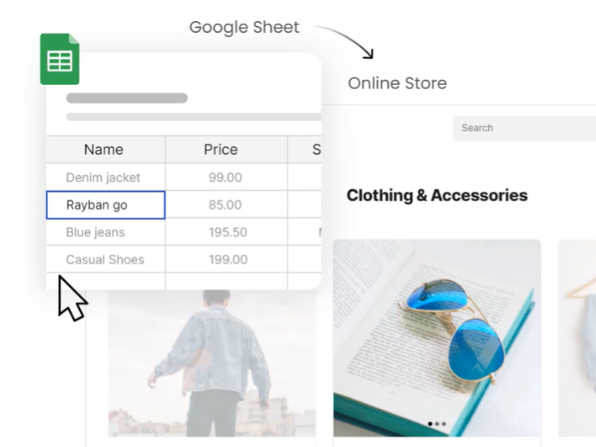
Import rows, fix gaps in masterdata, and reuse the same SKUs across POS lists and catalogue picks.
Digital catalogues in minutes
Print-ready. Real data. Trackable.
Import products from Excel, curate what appears in each booklet, then open a clean print view and save Print → PDF from your browser. See who opened print previews and keep brands, categories, and pricing aligned with your master data — all from one Catalogue admin workspace.
From spreadsheet rows to shelf-ready pages
Start with the product sheet your team already maintains. Map columns once, validate data in master tables, then drop SKUs into digital catalogues with consistent pricing and imagery.
One admin surface for product truth, printable booklets, and a clear trail of who generated PDFs — built for wholesale, retail, and field teams.
Import rows, fix gaps in masterdata, and reuse the same SKUs across POS lists and catalogue picks.
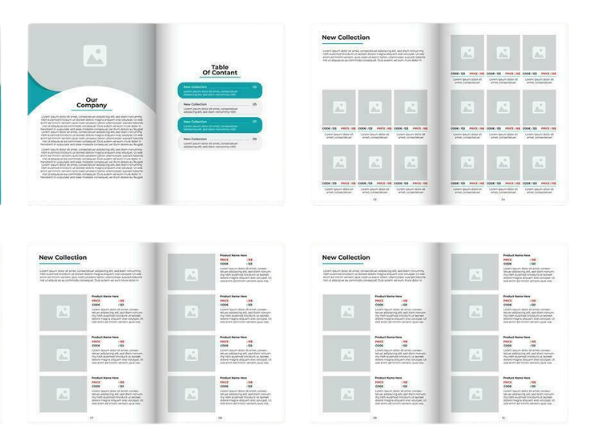
Name each booklet, set cover art and sort order, and curate exactly which products appear in print.
Open a grid or list layout tuned for A4, then save a high-fidelity PDF using your browser’s print dialog.
Logins, imports, and print-preview opens roll into an activity timeline so managers see real usage.
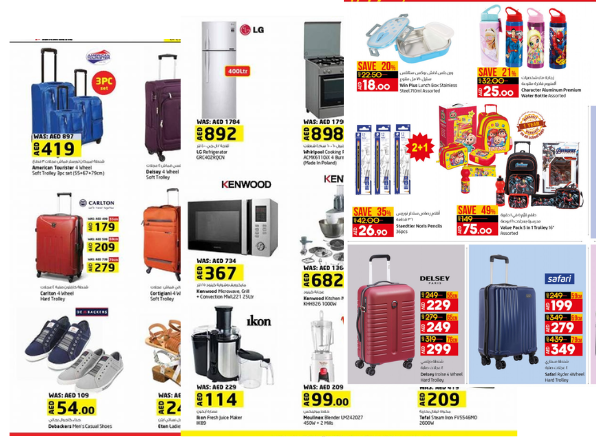
Borrow visual rhythm from retail, wholesale, and seasonal drops — then plug in your own SKUs, prices, and photography from master data.
Clean up rows in masterdata, pick the catalogue you are building, and arrange products the way reps expect to read them — category blocks, brand chapters, or a fully manual story order.
See plansEvery catalogue opens in a print-friendly layout. Save a PDF once, attach it to email, drop it in a shared drive, or hand it to a printer — the numbers always trace back to the same product master.
Print workflowToggle what is sellable on the floor, keep barcodes tidy, and align catalogue picks with the same flags your operations team trusts in the admin console.
Operations playbooksRun spring and clearance booklets side by side, restore an older version from recently deleted, and still pull every SKU from the same imported spreadsheet logic.
See layout ideasResponsive grids for quick checks on the road, then jump to print preview on a laptop when it is time to generate the official PDF for a buyer call.
Field team FAQThree practical steps from spreadsheet rows to a trackable print run — no desktop publishing suite required.
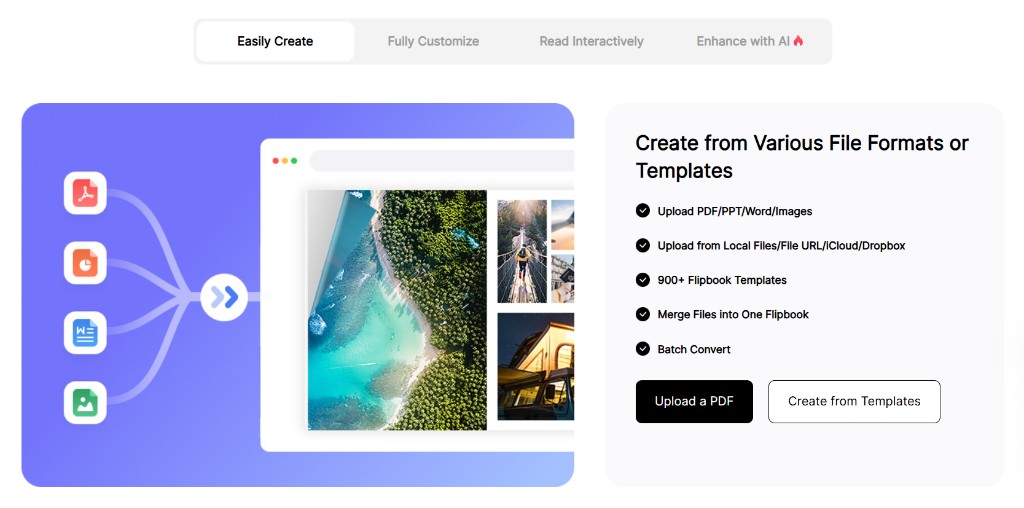
Learn moreUpload CSV from Excel, map columns, and reconcile brands, categories, and pricing in masterdata.
Create a booklet, add your logo and cover, then choose which SKUs appear and how they sort.
Use browser print to PDF for distribution, while the dashboard tallies print-preview usage per catalogue.
No. Branding, layout presets, and catalogue composition happen inside Catalogue admin with your live product data.
No — think of it as the publishing layer on top of the spreadsheet or PIM exports you already trust.
Yes. Save the print layout as a PDF from the browser and attach or sync it like any other document.
Print-preview opens are logged per digital catalogue, alongside other admin activity in your timeline.
Connect your product source, publish a branded digital catalogue, and give every team the same print-ready PDF — with usage you can actually audit.
Create accountWas 19.99 AED per week, now

Teams standardising on Catalogue
Wholesale desks, retail HQ, and field reps all need the same numbers — here is how they describe the switch.
Elena M.
Head of Wholesale, Nordic distributor
Marcus Wei
Commercial director, Harborline Group
Priya N.
Retail operations lead